 Pomelo OS
Rust kernel
Written from scratch with no external crates; W^X, NX, SMEP and SMAP are always on and cannot be disabled.
One Kernel. Two Worlds
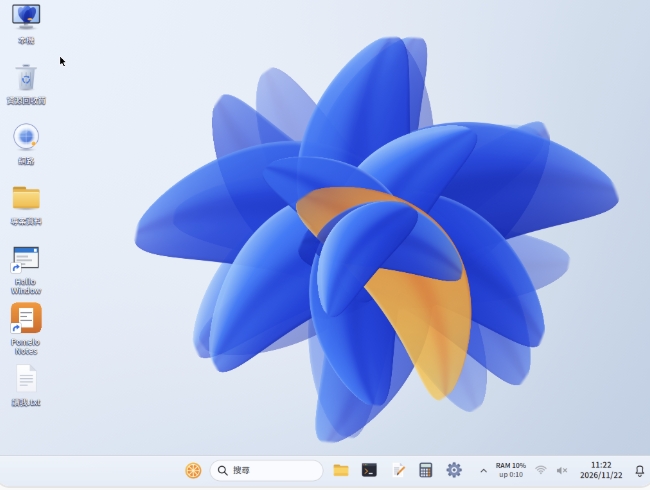
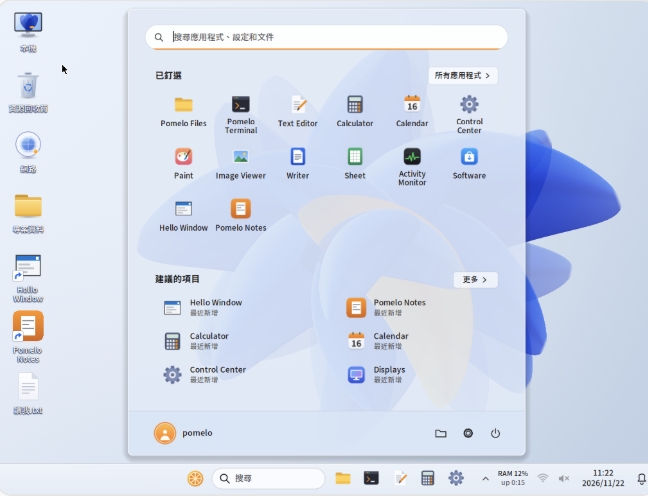
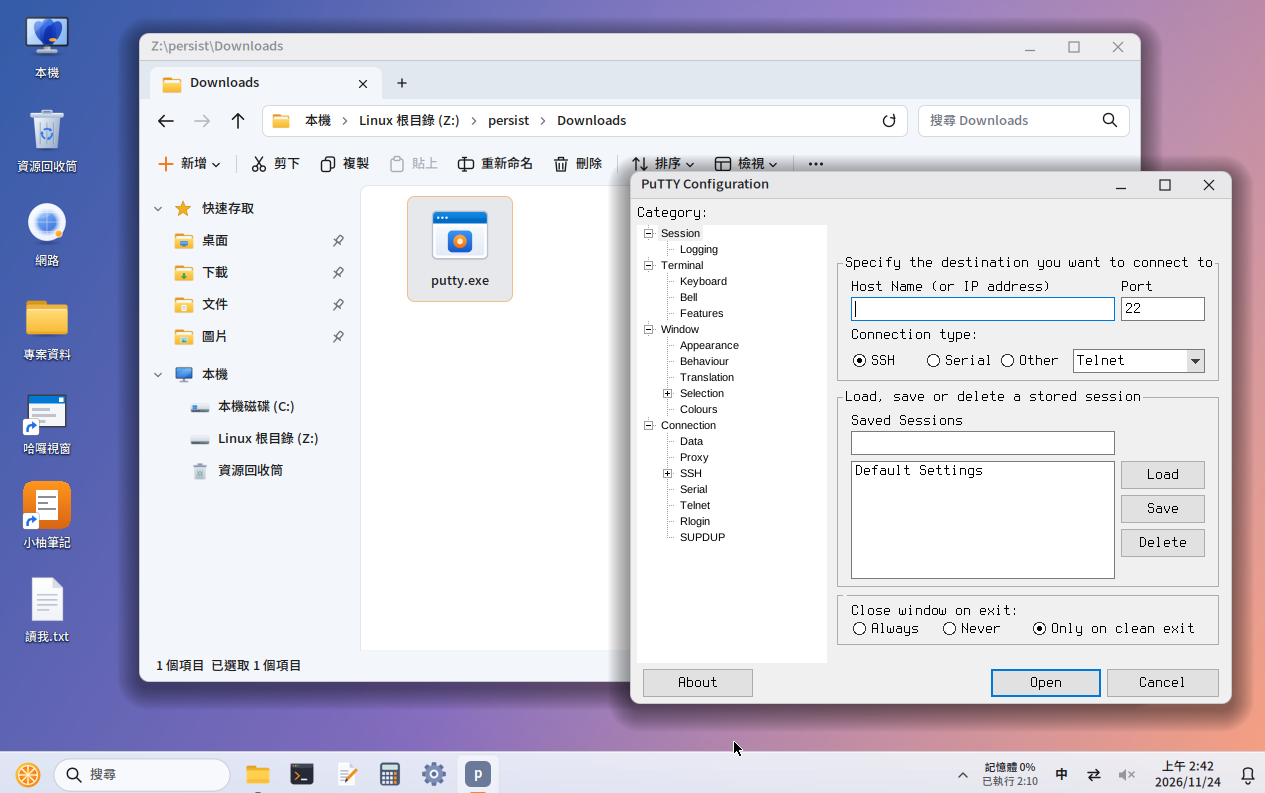
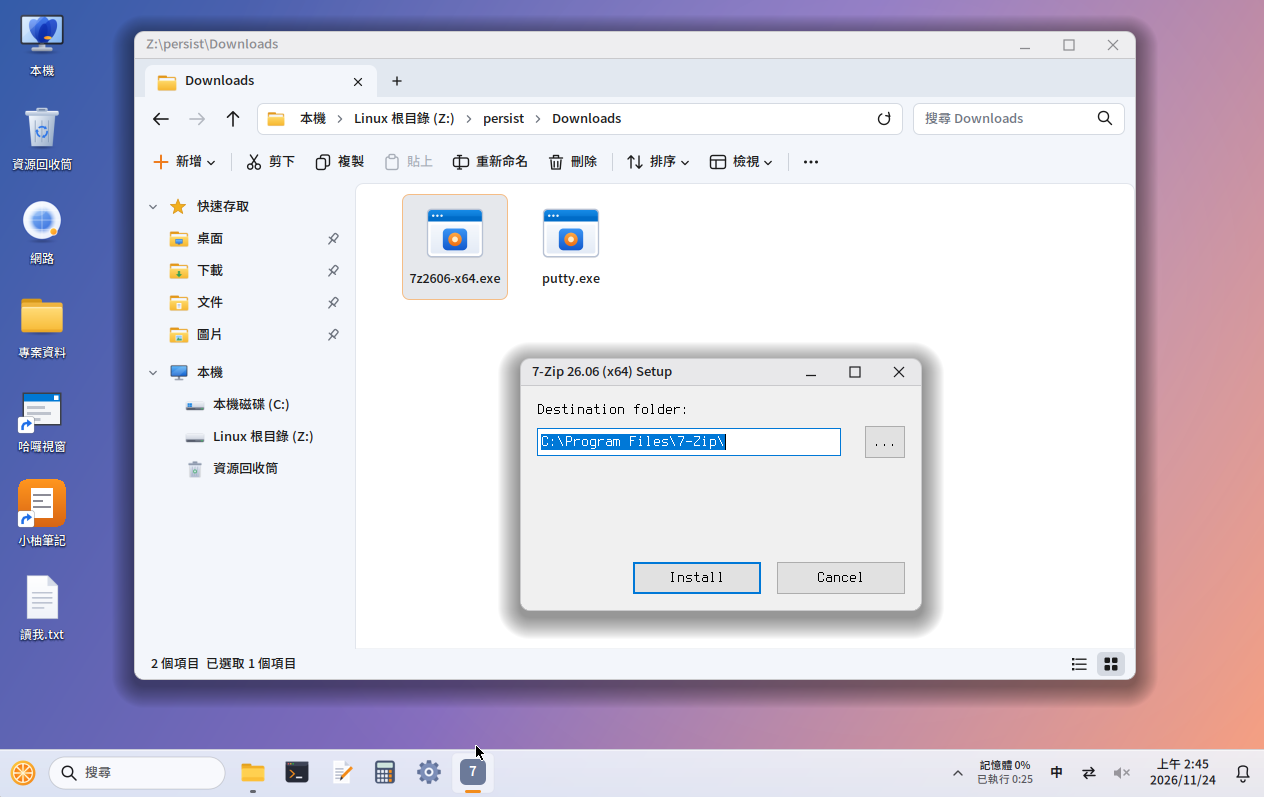
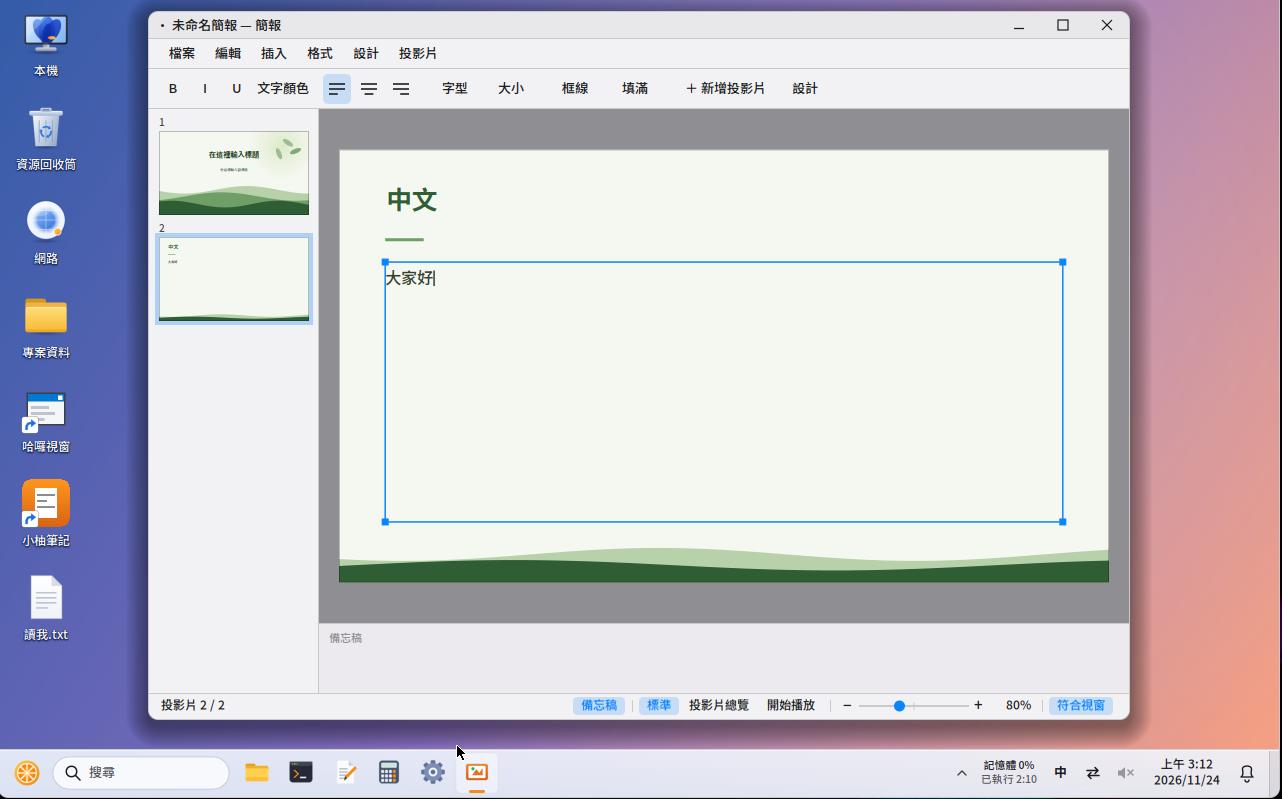
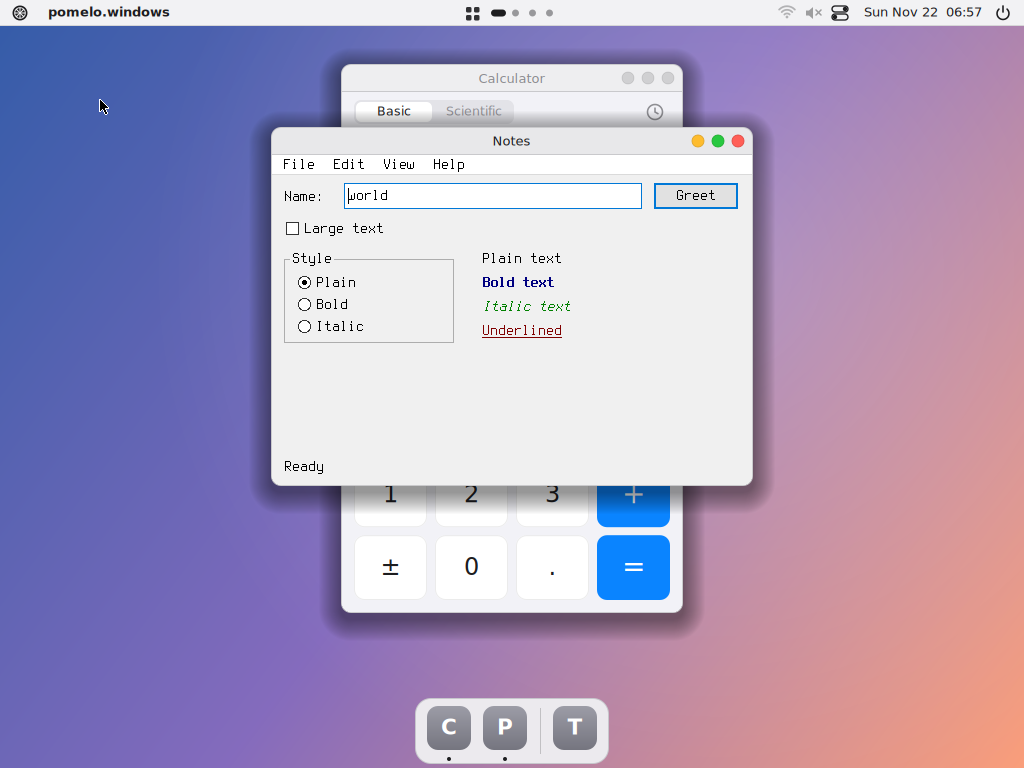
Through Linux system-call compatibility, Linux and Windows applications coexist seamlessly on a single Wayland desktop.
~ # echo Hello from Pomelo OS; uname -a
Hello from Pomelo OS
Linux pomelo 7.3.5-pomelo Pomelo 0.1.0 (Rust) x86_64 GNU/Linux
~ # ▋
Test it in seconds on Linux or macOS with QEMU and KVM hardware acceleration.
$ git clone https://github.com/pomelo-os/pomelo-os.git && cd pomelo-os
$ make qemu
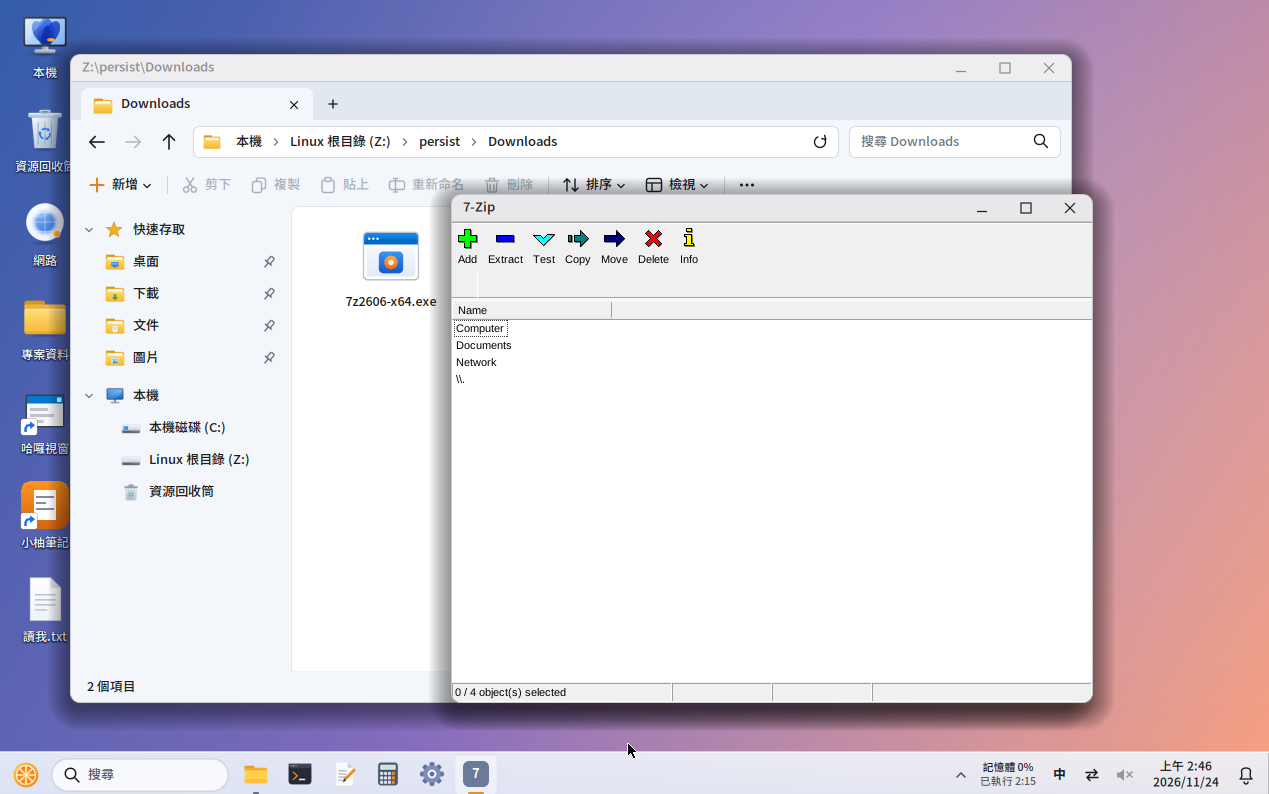
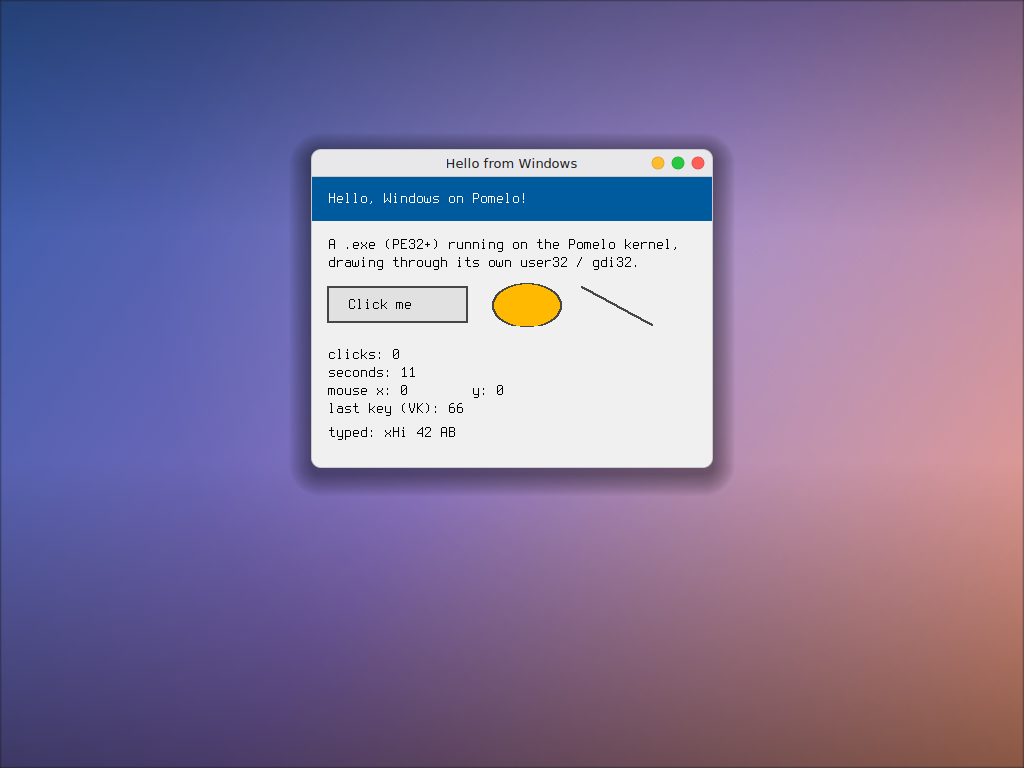
Instead of implementing a second NT kernel or porting Wine, Pomelo runs Windows applications through its own user-space compatibility stack, alongside native Linux applications, on the same desktop.
This is not a claim of full Windows compatibility. The project has a defined compatibility scope, extensive automated testing, and a roadmap of unfinished work.
Still under active development, with important work remaining in hardware acceleration, compatibility and system maturity. Pomelo is an experiment in building an operating system from the ground up, and in exploring a different way to bring Windows software into that environment.
Written from scratch with no external crates; W^X, NX, SMEP and SMAP are always on and cannot be disabled.
196 system calls; unmodified glibc and Ubuntu busybox run as-is; SMP with up to 32 CPUs.
PomeloFS: copy-on-write, snapshots, encryption, integrity tags; plus ext2/3/4, FAT, exFAT and more.
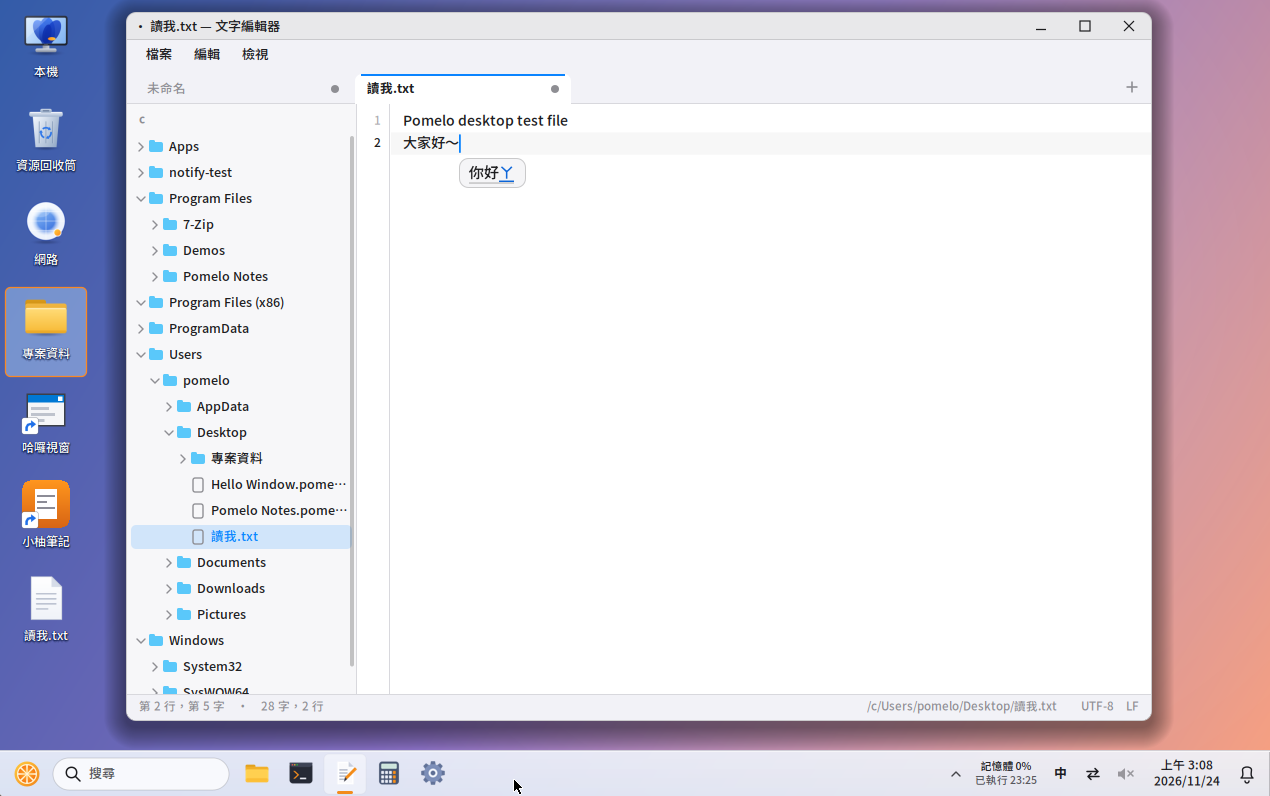
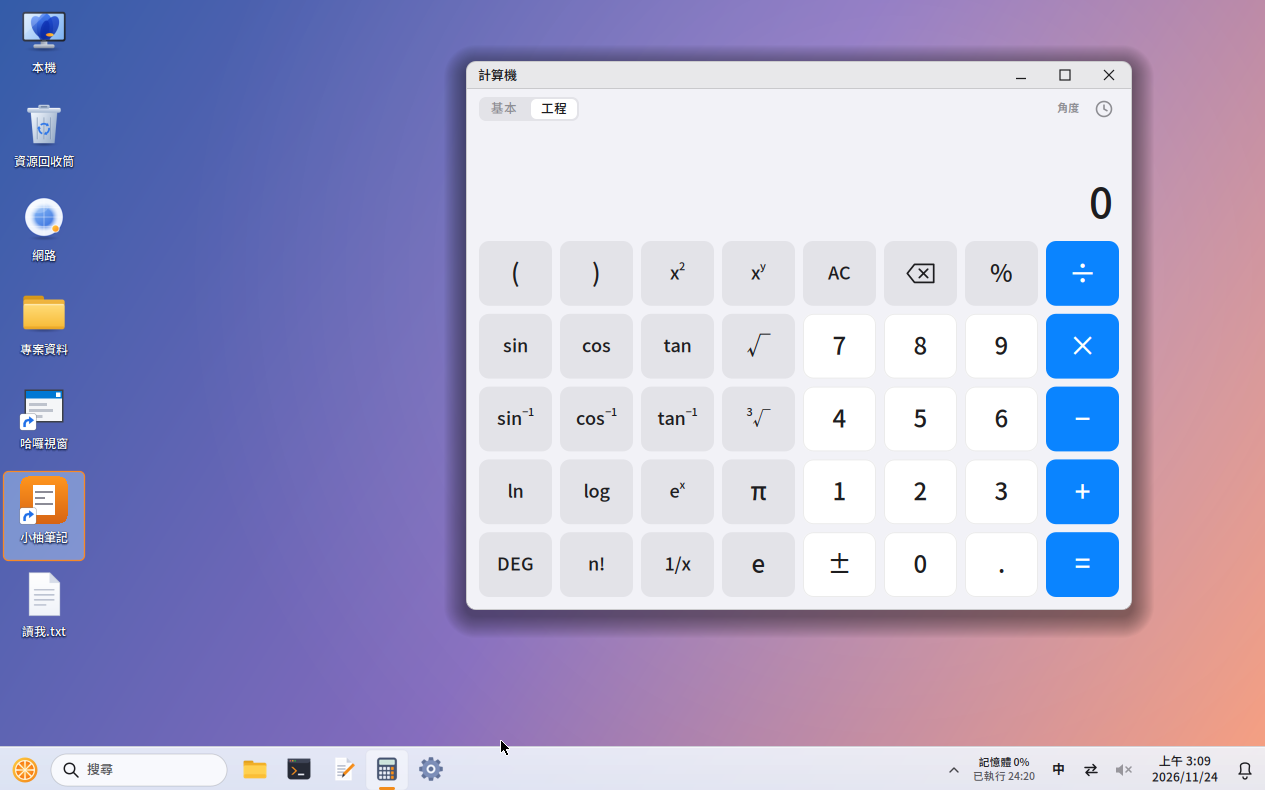
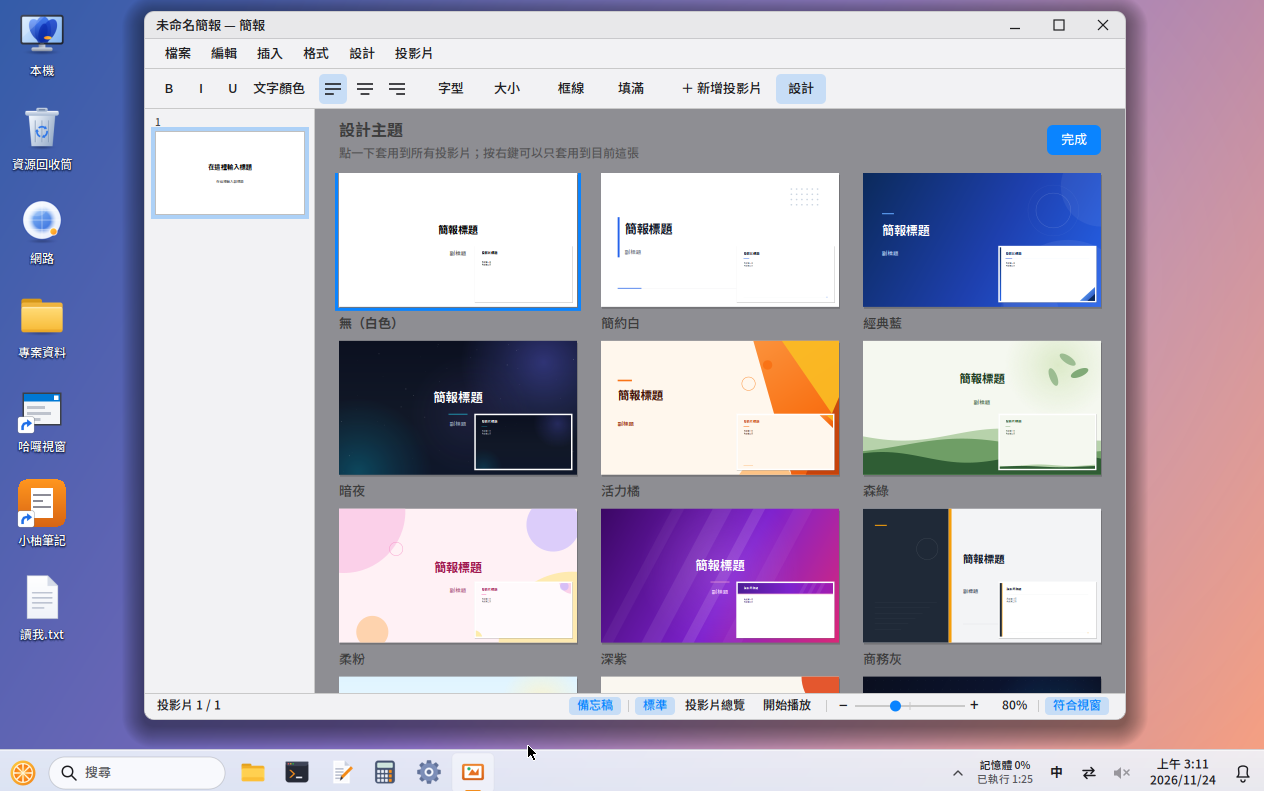
Its own compositor with DRM/KMS output; keyboard, mouse, touch and terminal all work.
A user-space PE loader and hand-written DLLs (not Wine); Windows and Linux programs share the desktop.
Runs unmodified Linux drivers in isolated user processes protected by the IOMMU.
About 81,000 lines of Rust with no external crates. Each card says what the area does and its main limit.
Own UEFI loader and BIOS (MBR) loader; one image boots on both. Reaches /init in about 0.15–0.24 s. Limit: does not boot with Secure Boot enabled.
Four-level page tables per process, copy-on-write fork, user ASLR, W^X enforced for kernel and user, guard pages. Limit: the page cache is never reclaimed; 64 GiB of physical memory at most.
clone/fork/execve, signals, futex, epoll, pty; SMP up to 32 CPUs, 4-core stress tests pass on KVM. Limit: 100 Hz round-robin, no priorities or fair scheduling.
196 Linux system calls; dynamically linked glibc programs run unmodified. User pointers always go through checked copies and SMAP stays on. Limit: no int 0x80 or 32-bit legacy entry.
VFS with page cache; PomeloFS, ext2/3/4, FAT and exFAT read-write, NTFS and Btrfs read-only; GPT/MBR, LVM, software RAID. Limit: ext4 writes bypass the journal.
75 driver files; all DMA goes through the IOMMU and devices are treated as untrusted. A driver host runs unmodified Linux drivers in isolated processes. Limit: mostly polling; the driver host runs at about 1/5 of native speed.
IPv4 TCP/UDP/ICMP/DHCP with AF_UNIX, AF_NETLINK, AF_PACKET and AF_BLUETOOTH sockets; NICs can be hot-plugged. Limit: no IPv6.
NX, SMEP, SMAP and UMIP are on from boot; only about 0.5% of lines (438) use unsafe; USB, ACPI and ELF parsers are fuzzed; every test checks for memory leaks. Limit: no formal verification.
All tests ran under QEMU/KVM and VirtualBox: make test passes 161 with 0 failures. The kernel has not yet been verified on any physical processor.

No. Pomelo is a kernel written from scratch in Rust that implements the Linux system-call ABI, so unmodified glibc and Linux programs run directly.
All verification so far was done under QEMU/KVM and VirtualBox, not on physical machines. Treat it as experimental.
Partly. Through a user-space compatibility layer (not Wine) it already runs ripgrep, the 7-Zip command line, Python and several installers, but coverage is limited. See the Windows page.
x86_64 only (Intel and AMD), up to 32 CPUs. ARM and RISC-V are not supported.